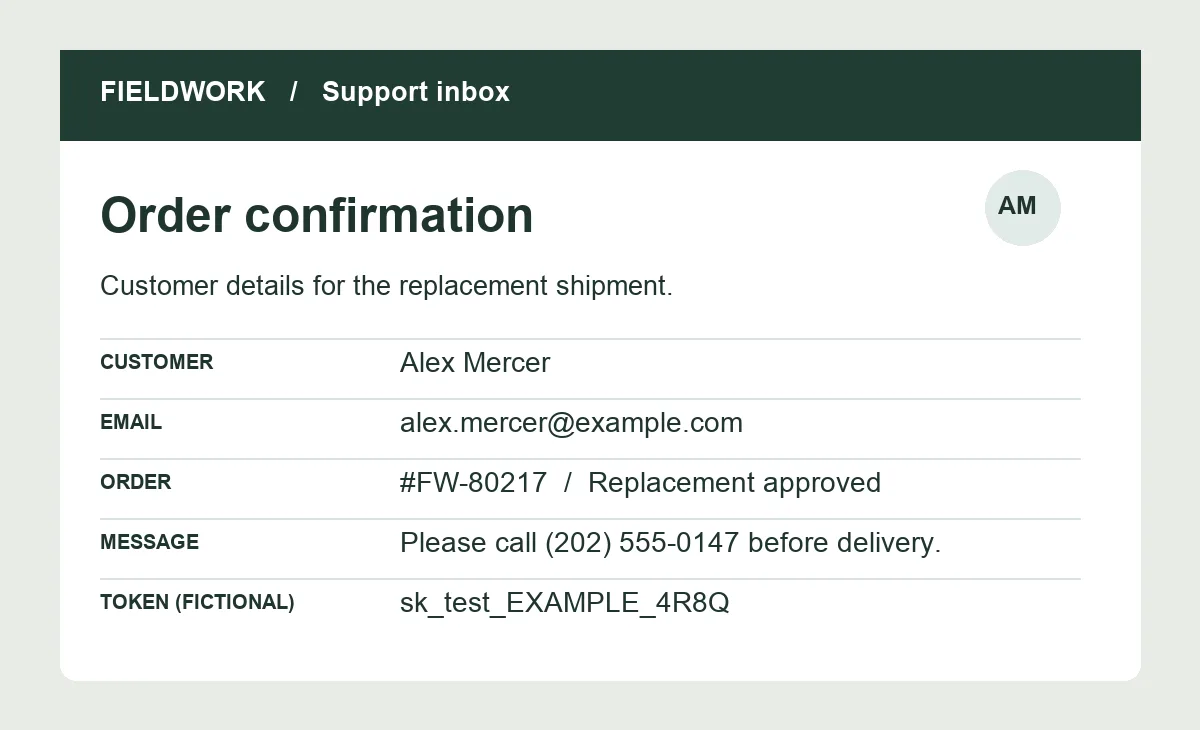
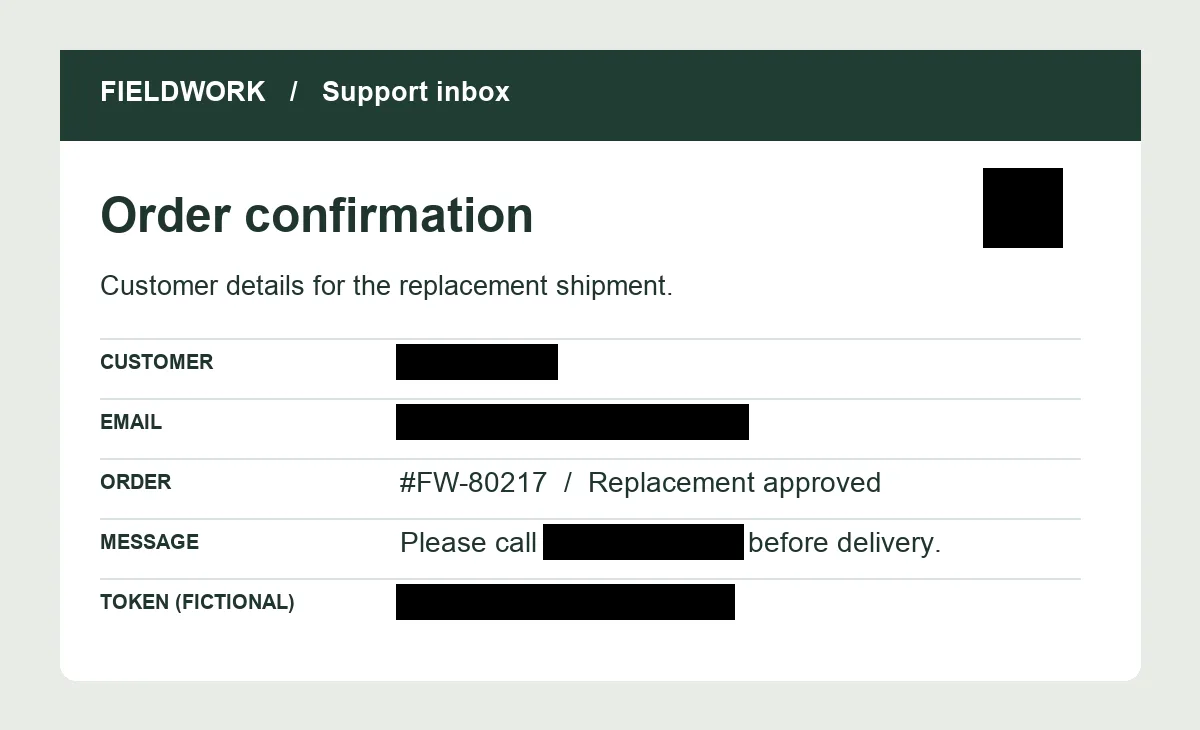
What does a redacted image look like?
Separate solid bars cover the name, email address, phone number, token and avatar. The order number and surrounding delivery note stay readable.
How do I redact an image?
Image redaction replaces private details in a picture with an opaque mask. Open your picture, cover each detail with Solid and export a flattened copy to share.
Open the original
Choose a picture or paste a capture. Keep the original if you will need an unmasked version later.
Cover private details
Drag a solid rectangle over each name, number or code. Leave field labels visible when they give the recipient useful context.
Save a copy
Download the masked picture or copy it as a PNG. The masks become part of the exported pixels.
Which mask should I use?
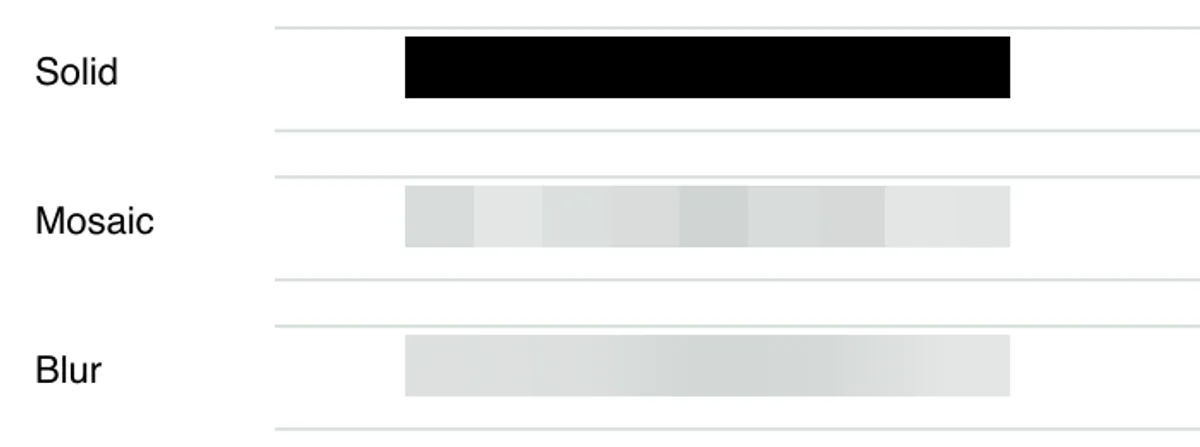
| Style | When to use it |
|---|---|
| Solid | Replace names, barcodes and private text with opaque color. |
| Blur | Soften a distracting detail in the background. |
| Mosaic | Keep broad shapes visible as colored blocks. |
On a delivery label, the dent in the box may explain your complaint while the address tells a stranger where you live. Cover the address and check whether the same details appear in a second place, such as a tracking sticker or a reflection in the packing tape.
Can someone undo a solid redaction?
No. When you redact an image with Solid, the pixels inside the rectangle are replaced and the result is saved as a new flat picture. There is no layer to move and no edit history in the file. Blur and mosaic are different: they keep averaged color from the original, and short text can sometimes be worked out from it.
A black box drawn as a PDF annotation can look the same and still keep the text underneath. A see-through highlighter is worse, because raising the brightness can bring the words back.
How do I check that blacked-out text is really gone?
Open the file you exported, not the editor preview. Raise its brightness and contrast as far as they go. A solid mask stays one flat color. Then zoom in to the edges of each bar and look for the tail of a letter or a sliver of a barcode sticking out. If you find one, resize the bar in the editor and export again.
Read what is left as a stranger would. An account number may appear again in a subject line, a quoted reply or a tracking sticker. A profile photo can name the person whose name you covered. On a long screen capture, switch to 100% and pan through it in strips, because the notification at the top is the part people forget.
Check the file name as well. The default download uses a neutral name. If you select Keep filename, check that the name you share contains no identifying details.
Which tool fits my picture?
Use this page to redact image details such as names, addresses, account numbers and signatures. For a chat, a bug report or a support ticket, the screenshot tool covers browser tabs, URLs and tokens. For a group photo, blur faces with suggested masks. If the picture looks fine but the file may carry a location, remove the EXIF data first.
Redacting here also drops the original EXIF and GPS fields, because the picture is encoded again. The metadata tool is for keeping the photo exactly as it looks, without recompressing it.
Open several images together to review them as a set. Mark each finished image with Checked, next. Download ZIP includes only the images you checked.
What else should I know about image redaction?
Is Maskimg free, and is there a daily limit?
Yes, it is free. There is no sign-up, no download, no watermark and no cap on how many images you redact in a day. You can try the sample before opening a personal picture, and you can redact image after image in the same tab.
Will a mosaic protect small text?
Text hidden with mosaic or blur can sometimes be recovered, especially when someone knows the expected characters or layout. Use an opaque solid mask for sensitive writing. The dedicated mosaic tool is suited to an appearance change where secrecy is not the goal.
Does it find private text automatically?
Open Find private details to look for email addresses, phone and card numbers, supported IDs and bank numbers, keys, tokens, IP addresses or a phrase you enter. Review each match, then apply the selected masks. You can draw additional rectangles over small text or handwriting the scanner misses.
Is it safe to redact a sensitive document online?
It depends on whether the original leaves your device. Here the picture is opened, masked and exported by your own browser, in a separate editor frame that loads no analytics. You can check this: open the editor, switch off your network, then redact the image and download it. If your rules forbid any web tool, use an offline image program with an opaque rectangle instead.
Are my images uploaded or stored?
No. After the editor loads, disconnect from the network before opening a picture. You can still mask and export it. The editor keeps the picture in browser memory until you close the session. In the standalone editor, Offline lets you save the app and its tools before disconnecting.
Can I redact a photo on iPhone or Android without an app?
Yes. Choose a picture in your phone’s browser and drag over the details with a finger. The editor opens PNG, JPEG, WebP and HEIC photos on your device.
Will redacting remove EXIF and GPS data?
Yes. The editor re-encodes the redacted picture without the original EXIF or GPS fields. Visible location clues such as a street name or map pin remain until you cover them.
Are there limits on resolution or file size?
The editor accepts files up to 128 MB and images up to 64 megapixels. Your browser’s canvas limits can be lower, especially on iPhone. A long screenshot can reach a canvas limit even when its file size is small.